vivo V80
Your AI Campaign Photo
Campaign Image
→
AI Person Replacement
→
Final Campaign
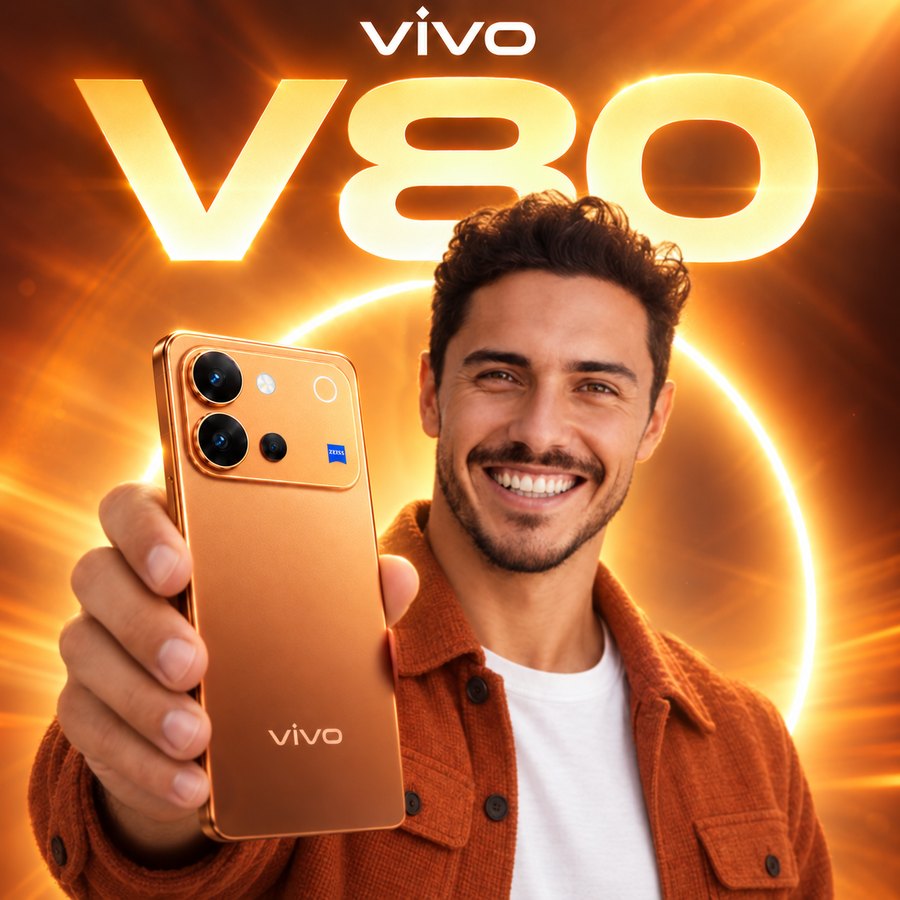
Example: the AI puts you in this picture.
Upload Image
Upload a clear photo of the person you want to place into the campaign. You don't need to remove the background yourself.
Drag & drop the person's photo here
or click to browse
PNG · JPG · JPEG · WebP
Best results:
- Upper-body or full-size photo — close-up face crops make the head come out too large
- Face clearly visible and looking at the camera — no sunglasses, mask or hand in front of it
- Whole hair in the photo, not cut off at the top
- Only one person, in good, even lighting
- Sharp, high-resolution photo
- Any outfit and expression is fine — the AI dresses you in the campaign jacket and adds a natural smile
Advanced Settings
Identity Preservation
Scene Preservation
Pose
Keep Original Pose
Lighting
Match Original
Images are processed temporarily and are not stored. Nothing is shared until you choose to.
Choose a photo to see it in the frame.
Profile with Frame
Put your photo in the vivo V80 frame and use it as your profile picture. No AI, ready in seconds.
Choose Your Photo
or drag & drop it here
PNG · JPG · JPEG · WebP
Drag the photo to position it.
Your photo never leaves your device.